Your days, doodled.
A private photo journal for iPhone. One photo a day, in crayon.


A private photo journal for iPhone. One photo a day, in crayon.
Pick a photo. Oobo redraws it in crayon and leaves you a line to write.
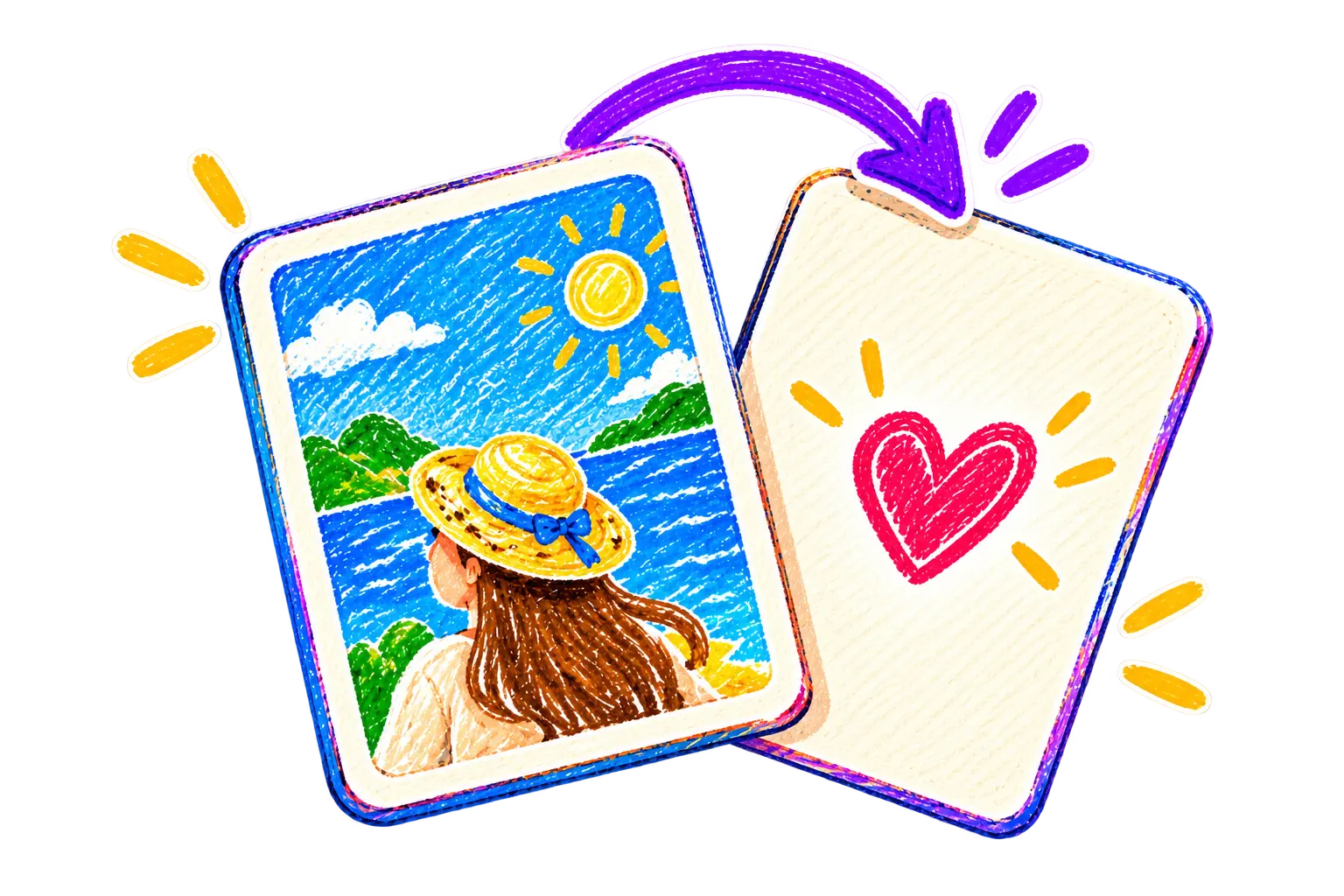
From your library or the camera. One photo, once a day.
The composition stays. The faces, the place, the light. Only the surface turns to crayon.
The crayon pass takes about 30 seconds.
A date and a few words. That is the page.
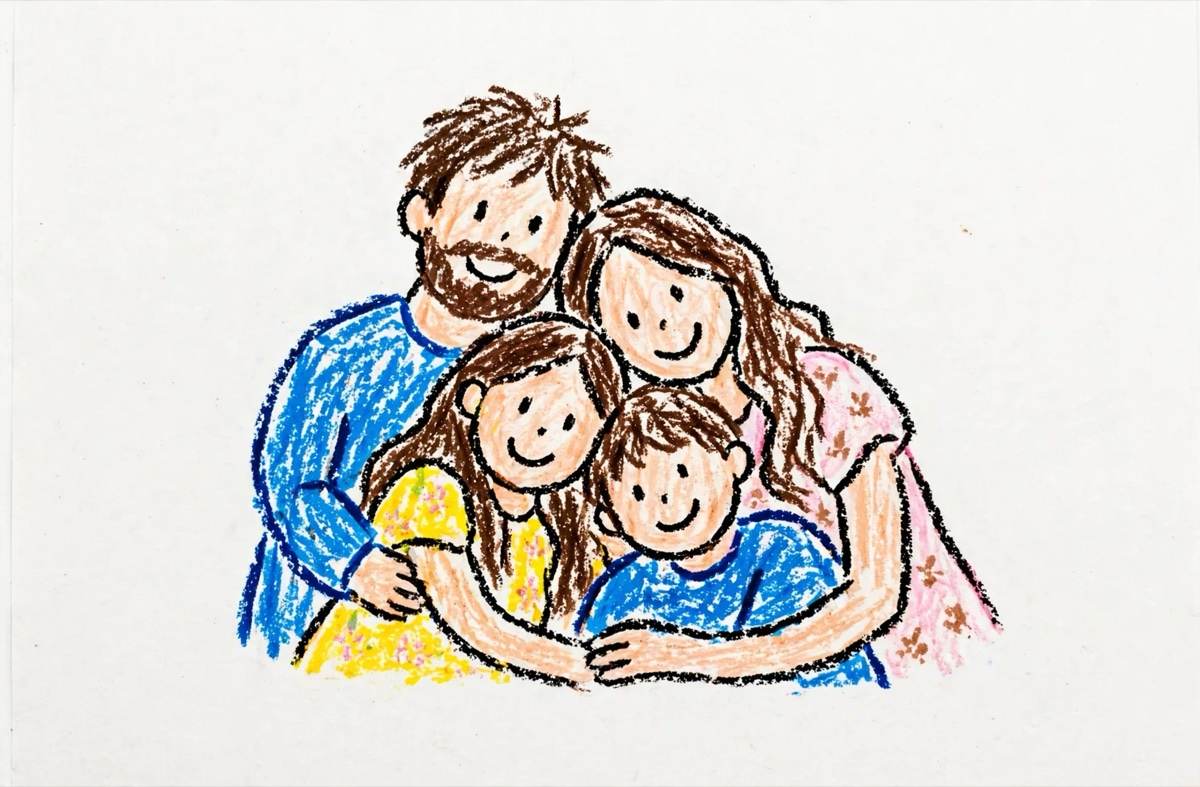
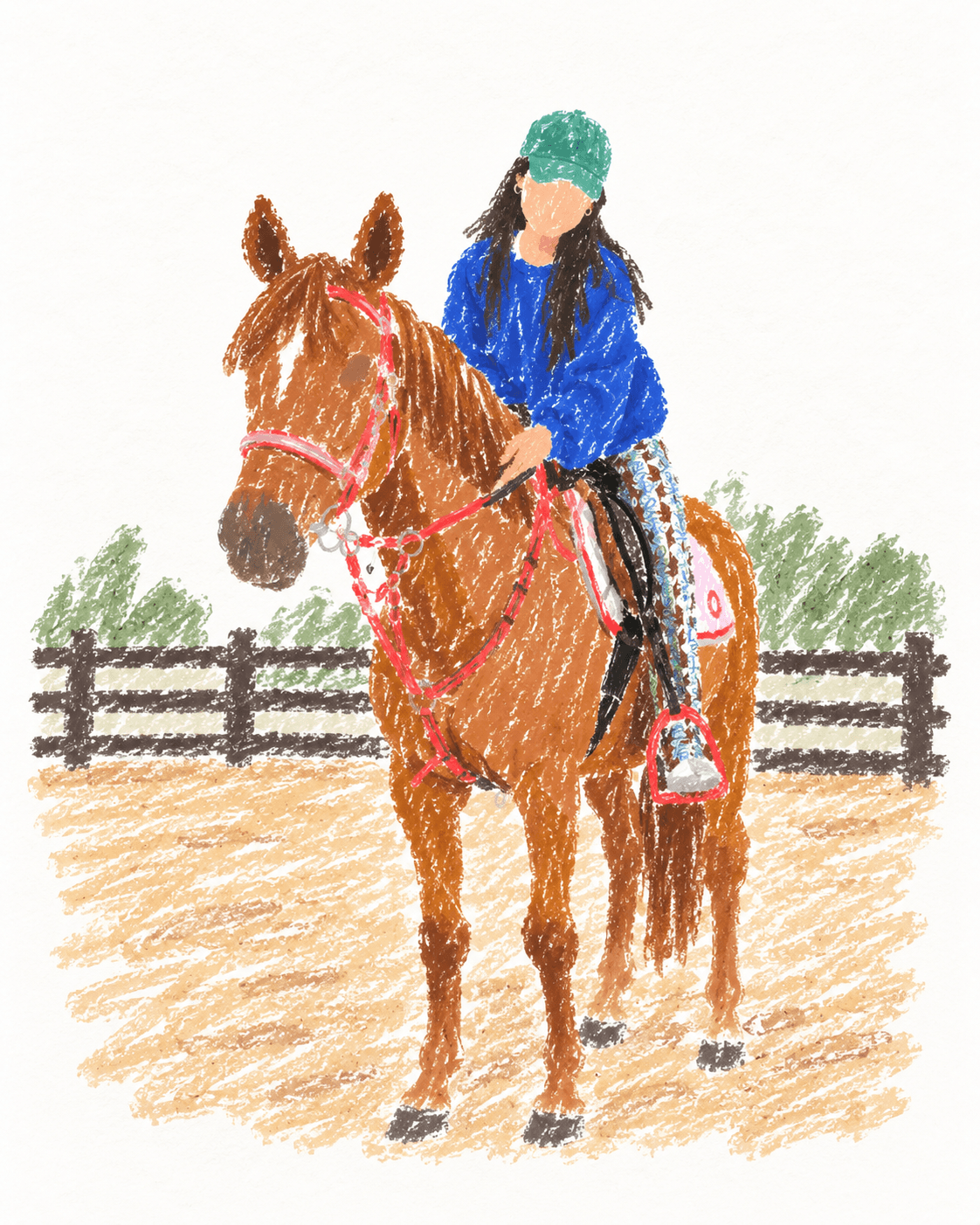
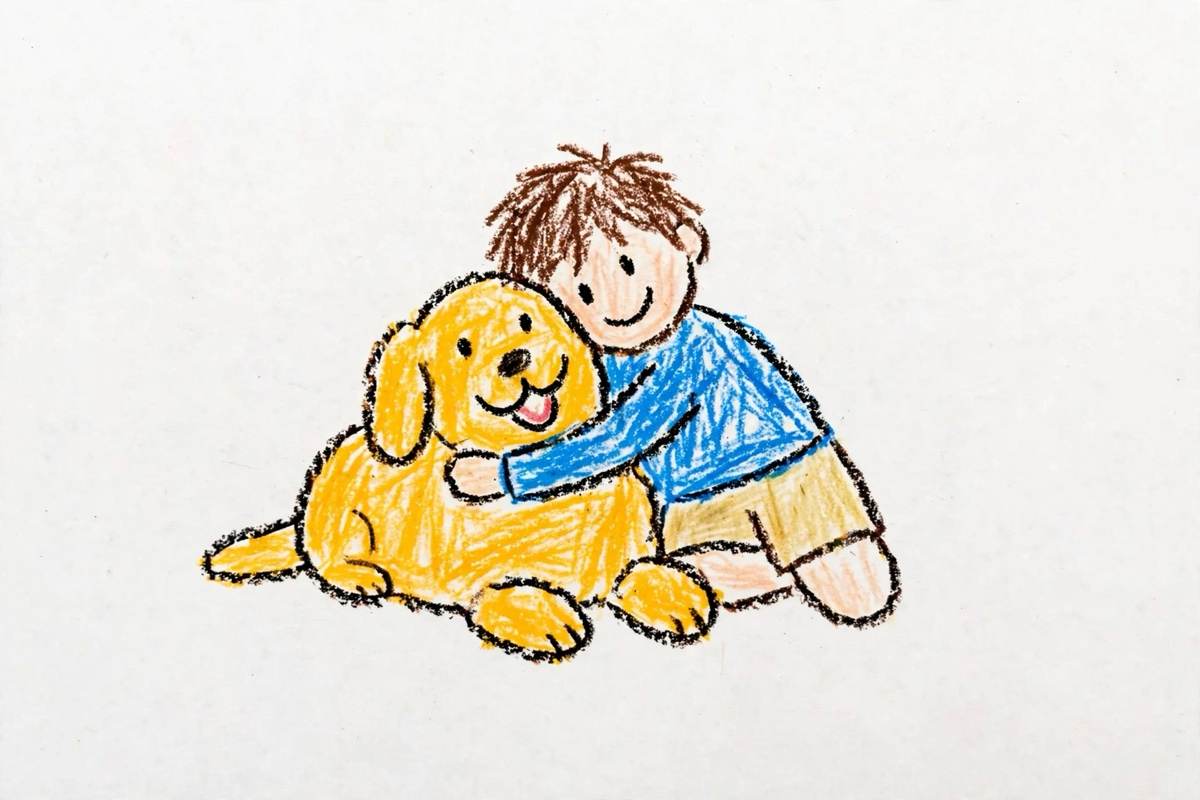

Every doodled day lands on a paper calendar. Export a month or set a day as a story.
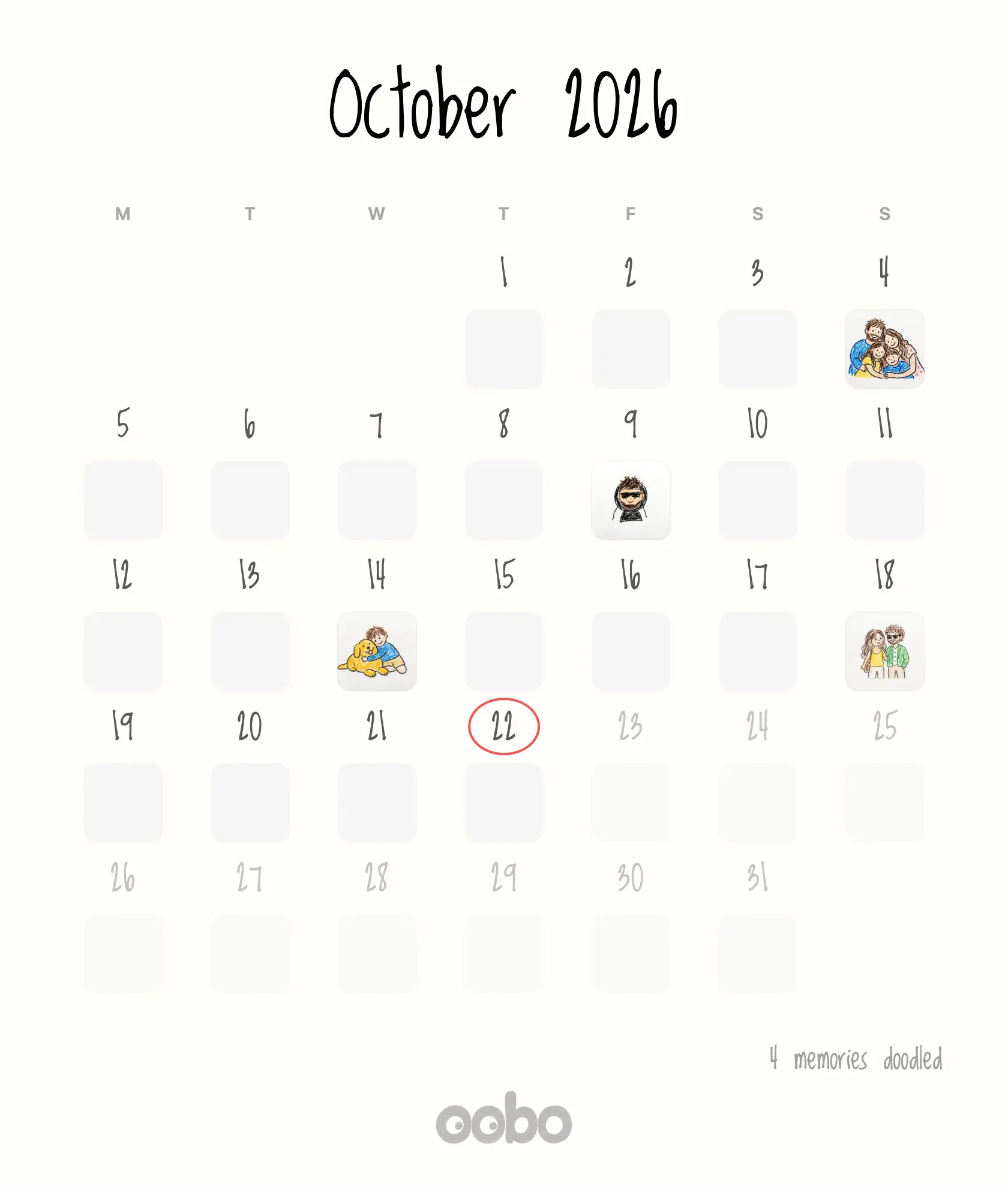
One doodle is free. Plus opens the rest of the month.

$29.99 / year
 Unlimited doodles and retries
  Stories and Home Screen widgets
  HD month recap and watermark toggle
We’ll email you when Plus opens.
Oobo is a private photo journal for iPhone. One photo a day becomes a crayon doodle card with a short note.
A photo album keeps every picture. Oobo keeps one a day and changes how it looks: the photo is redrawn in crayon, so the page reads as a memory rather than a file. There is no scrolling grid and no feed, only the day you chose.
The original stays on your iPhone. It is sent once to our AI image provider, each::labs, to make the crayon pass, and the doodle is saved next to it.
No. There is no Oobo account, no login and no cloud library. Your pages live on your device.
Yes. Browsing your pages, reading a note and exporting a month all work without a connection. Making a new doodle needs a connection, because the crayon pass runs on the AI provider.
No. Your photo is sent once to each::labs to make the crayon version and is not used to train a model. Oobo keeps no copy on a server, and the doodle is written back to your device.
Oobo Plus is $29.99 a year or $4.99 a month, after a 3-day free trial. One doodle is free.
Apple charges the plan you picked on day four. If you cancel before then, nothing is charged and the free doodle stays on your device. You can cancel in the App Store settings, and purchases can be restored on a new device.
iPhone and iPad running iOS 17 or later. The app is designed for iPhone first, and the month recap exports at print resolution.
Oobo is in development for iPhone, iOS 17 or later. Join the early access list and we’ll send the App Store link at launch.