Contact
This page is the way to reach us while the app is in early access. A contact form is being set up; until it is live, the answers below cover the questions that come up most. If your problem is not listed, describe your iPhone or iPad model, the iOS version and what happened, and keep that note — it is exactly what we will need once the form opens.
Delete your data
Your journal lives on your device. To remove one page, open it, choose the note editor and delete the doodle. To remove everything, open Settings in Oobo and choose Delete all doodles. Uninstalling the app removes its container from the device.
There is no Oobo account to close and no server copy of your journal. If you have made a device backup, Apple’s backup rules decide whether the app’s files are still in that backup.
Restore purchases
Oobo Plus is tied to the Apple ID you used to buy it. If Plus is not active after reinstalling, open the paywall and choose Restore. Make sure you are signed in with the same Apple ID. If the purchase still does not appear, note the Apple ID’s region and the date of purchase. Do not send your password or full payment details anywhere.
Camera and photo access
Oobo asks for access only when you choose a photo. If the picker does not open, go to iOS Settings, find Oobo and allow Photos or Camera access. You can also choose a photo from the library instead of the camera.
A doodle failed
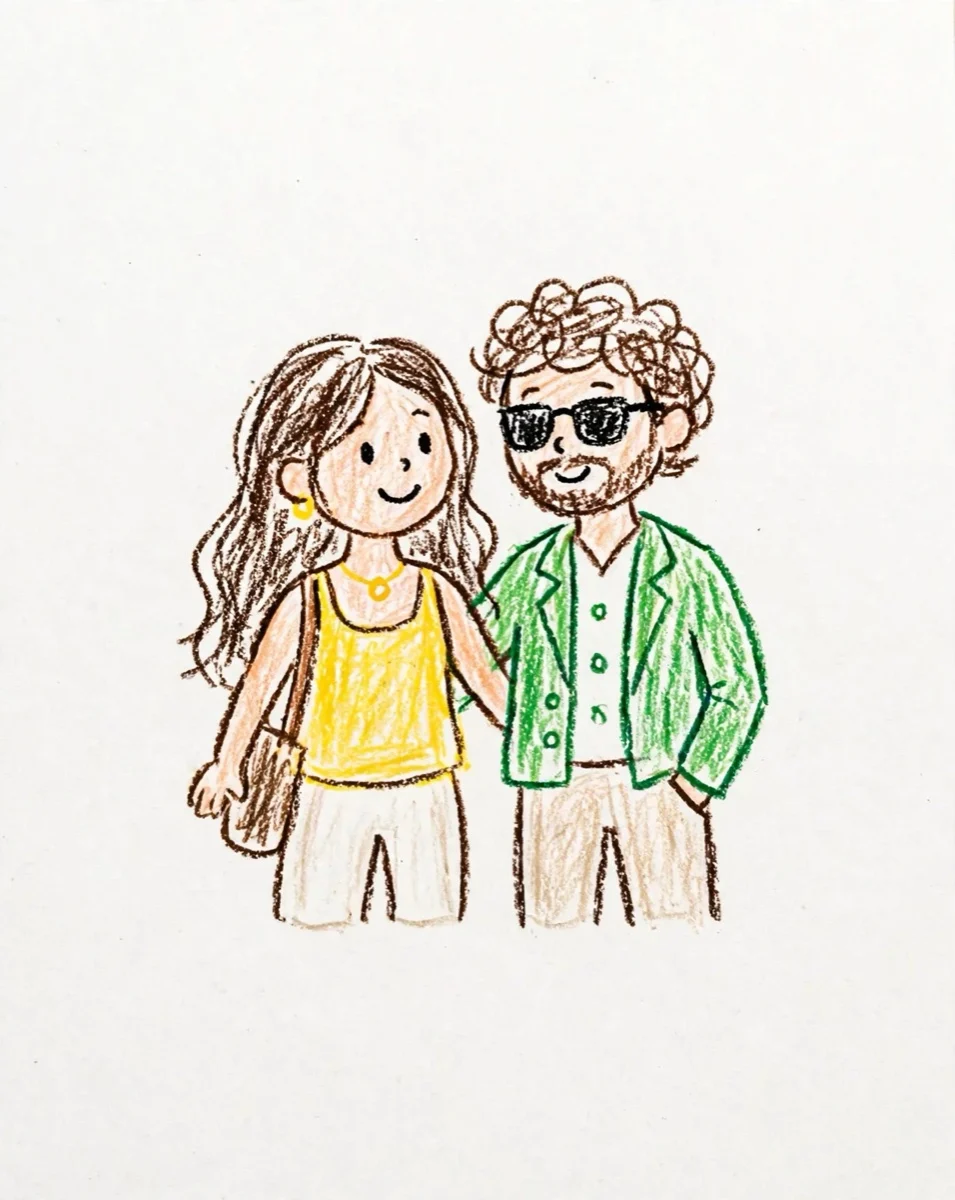
The crayon pass needs a working connection and usually takes about 30 seconds. If a doodle fails, check your connection and try again. A simpler, well-lit photo with a clear subject usually gives a better result. On the free plan you can keep one doodle; Oobo Plus adds retries.
Cancel Oobo Plus
Open iOS Settings, tap your Apple ID, then Subscriptions, choose Oobo and cancel. Cancelling stops the next renewal; it does not refund the current period. Refunds are handled by Apple. If you cancel during the 3-day trial, cancel at least 24 hours before it ends to avoid the first charge.
Which devices are supported?
Oobo runs on iPhone and iPad with iOS 17 or later. The app is designed for portrait orientation.
Privacy
Oobo has no account and no cloud journal. Your original photo, doodle and note stay on your device. When you make a doodle, the selected photo is sent once to our AI image provider; Oobo does not keep a copy on its servers. Read the Privacy Policy for the details.
Something else
If the app is not behaving, force-quit it and open it again. If the problem continues, email us with a screenshot and the steps that led to it. Please do not send a photo you would not want a support person to see.